
Instantly find the selling price, markup percentage, or cost — plus profit and gross margin — for any product or service.
Choose what you want to calculate:

Markup is the amount added to the cost price of a product to arrive at its selling price. It is always expressed as a percentage of cost — not of the selling price (that would be margin).
If you buy a product for $90 and want a 15% markup, you calculate: $90 × 1.15 = $103.50. This is the exact calculation behind the familiar query “90 × 1.15”.

Markup and margin both measure profitability but use different bases:
Because cost is always less than selling price, markup is always a higher number than margin for the same transaction. A 25% markup corresponds to a 20% gross margin. A 50% markup equals a 33.3% margin.
These are typical ranges; your target markup depends on operating costs, competition, and brand positioning.
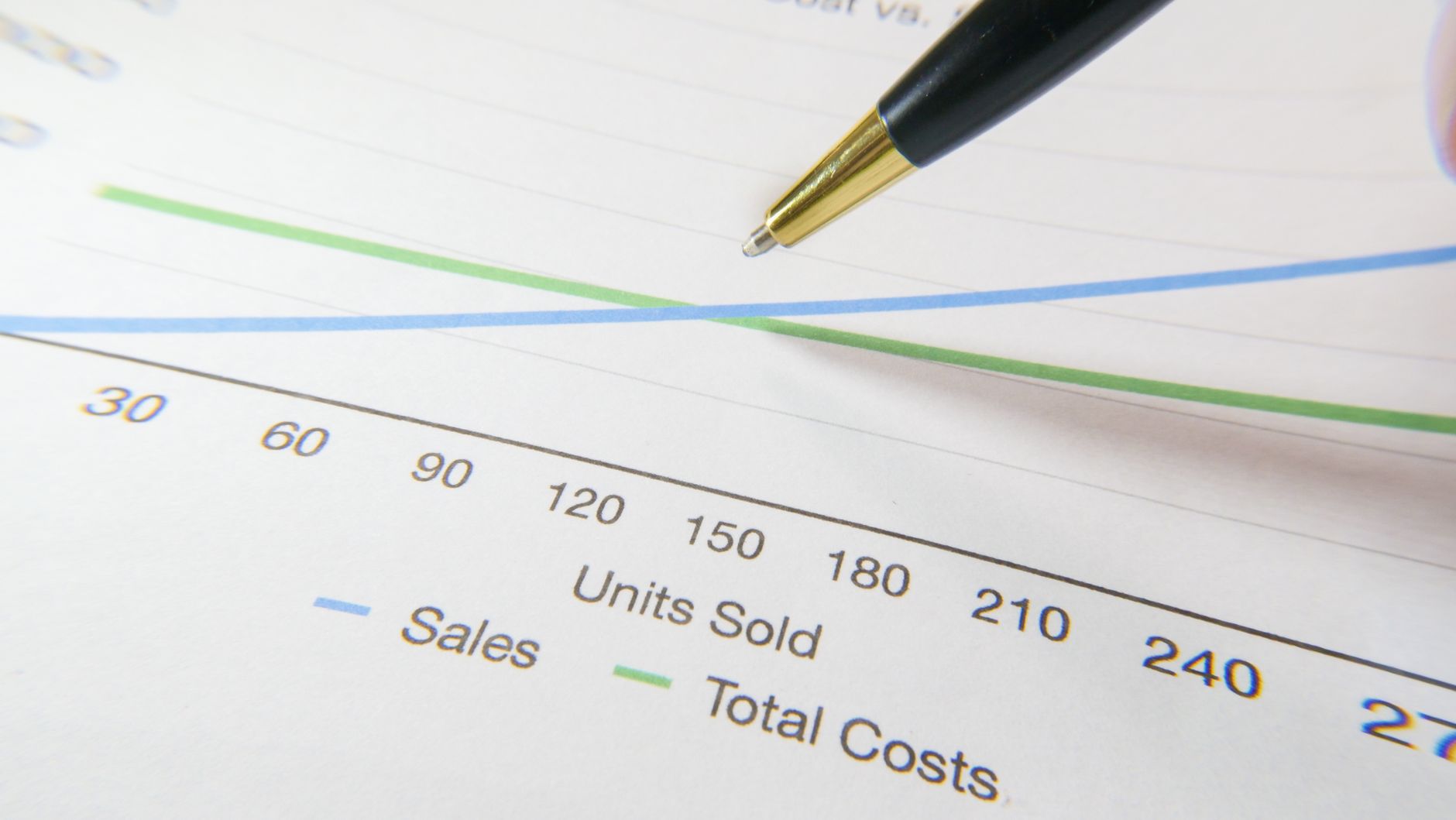
The calculator has three modes — select the one that matches what you know:
All three modes display Gross Margin % alongside markup so you can compare against accounting targets easily.
Markup is the percentage you add to the cost of a product to arrive at the selling price. For example, a 15% markup on a $90 cost gives a selling price of $103.50. Markup is always calculated on cost, not on the selling price.
Selling Price = Cost × (1 + Markup% ÷ 100). For example, cost $90 with 15% markup: $90 × 1.15 = $103.50. To find the markup percentage given cost and price: Markup% = ((Selling Price − Cost) ÷ Cost) × 100.
Markup is the profit divided by cost. Margin (gross margin) is the profit divided by the selling price. A 20% markup on $100 cost gives a $120 selling price and a 16.67% margin. Markup is always higher than margin for the same transaction.
Margin% = Markup% ÷ (100 + Markup%) × 100. Example: 25% markup → 25 ÷ 125 × 100 = 20% margin. To go the other way: Markup% = Margin% ÷ (100 − Margin%) × 100.
Typical markups vary by industry. Retail clothing often uses 50–100% (keystone pricing). Electronics retail is commonly 10–30%. Restaurants mark up food 200–400%. Software and digital products can be 500%+ because marginal costs are near zero. Use your industry average as a starting point, then adjust for competition and brand position.
Keystone markup is a 100% markup, meaning you double the cost to set the selling price. For example, a product that costs $25 is priced at $50. This is a common rule of thumb in retail because it creates a 50% gross margin, which typically covers operating expenses and leaves room for profit.
Markup% = ((Selling Price − Cost) ÷ Cost) × 100. Example: cost $80, selling price $100 → Markup% = (($100 − $80) ÷ $80) × 100 = 25%. This is the “Find Markup %” mode in the calculator above.
Yes. BreezeCalc is completely free with no sign-up or account needed. All calculations happen instantly in your browser.